Things 3 runs on supported Apple devices. On Windows, try Microsoft To Do for lists and steps, or TodoNote if you want a task note and separately scheduled subtasks. Rebuild one small project and see how each option feels on a workday.
A Things project often contains more than the visible to-dos. A start date signals when you want to begin, a deadline signals when the result is needed, and the notes explain the work. Bring all three into the test.
Choose a project with a draft and a genuine deadline
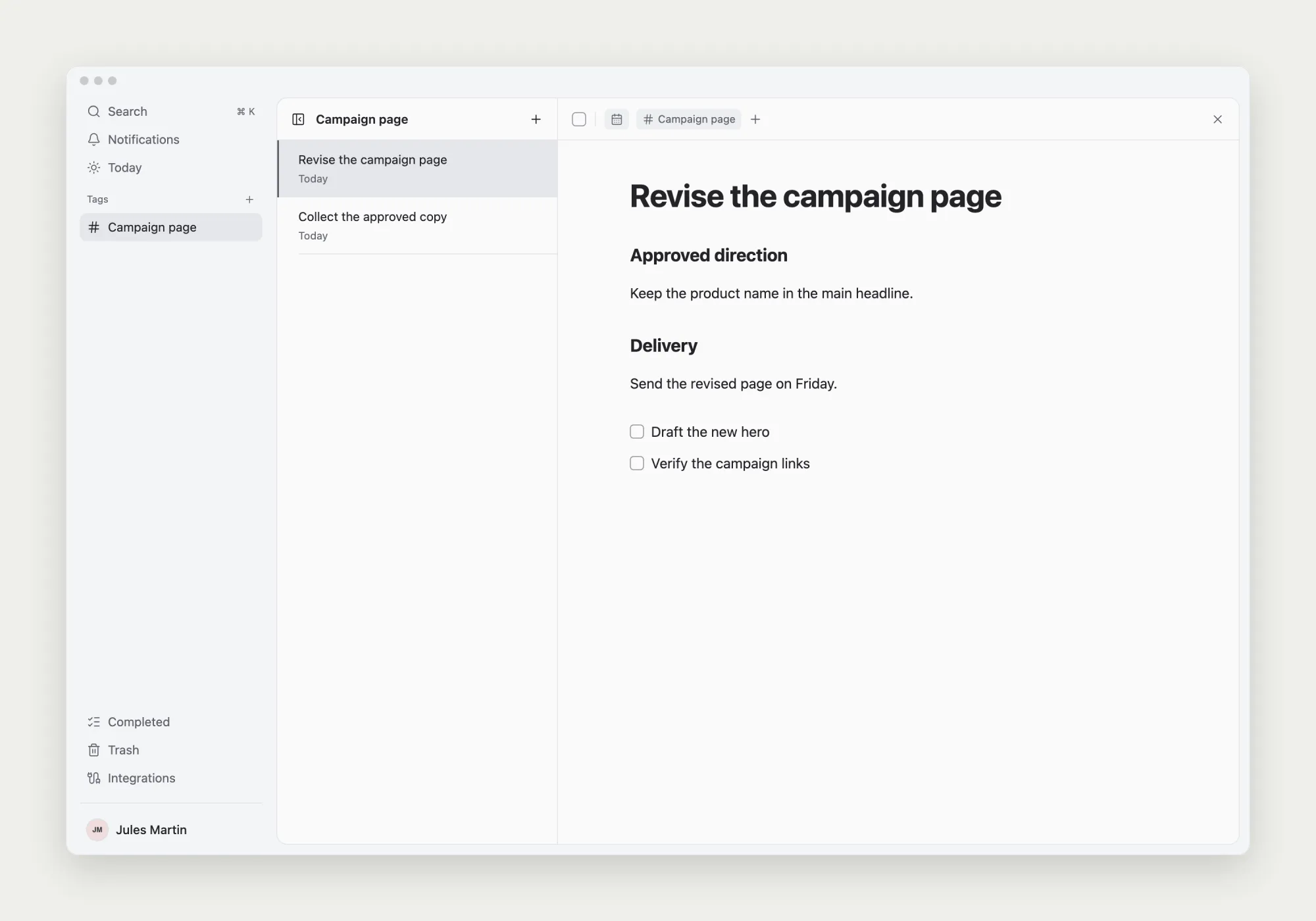
Take a landing-page update due Friday. Start drafting Wednesday, then verify the links Thursday. Save the approval note so you can tell which headline the client wanted when you open the work again.
In Things, the scheduled date and deadline have distinct roles. Recreate that distinction in the candidate tool. In Microsoft To Do, try a parent task with notes and steps, then create a separate task for an action that needs its own due date. In TodoNote, schedule each subtask independently.
Test the same four actions on Windows
| Test | Microsoft To Do | TodoNote |
|---|---|---|
| Open the approved brief | Add text to a task note | Write the decision and add the source link in the task note |
| Start the draft on Wednesday | Create a separate task for the draft and set a date | Give the draft subtask a Wednesday start date |
| Preserve Friday’s deadline | Set the due date on the parent task | Set the parent task’s deadline for Friday |
| Check a link on Thursday | Create a dated task for the link check | Schedule the link-check subtask for Thursday |
Give the replacement one workday
On Wednesday, open your new workspace as you normally would. Check whether you can see the draft without opening the project first, whether the approval note is easy to get back to, and whether Friday still appears as the delivery deadline.
TodoNote offers a web app and a Windows desktop download. Start with the browser, enter this one project manually, and see how it works before moving other active lists. If simple steps and a single date are enough, Microsoft To Do is worth trying with the same brief.
Run the link check to completion in both apps. Then look for the result from the project and from your list of completed work. This catches a common difference between a checked step and an independently tracked task.
Keep the old project available during the trial. Use one workday to test whether you can start, finish, and reopen a task with the context you need.
How to compare apps that combine tasks and notes
References · Things · Minimum Requirements · Things · Scheduling To-Dos · Microsoft To Do · Continue between web and desktop