Ask AI for a draft table with the action, deliverable, owner if stated, deadline, and the PDF page plus a short supporting passage. Open each cited page yourself before scheduling a task. Keep ambiguous owners, dates, and conditions visible for review.
Identify the file and the page numbering
Use the current file name and revision, such as launch-brief-v2.pdf. Ask for the page number shown by the PDF viewer, counted from the first PDF page, and note printed page labels separately when they differ.
Check whether you can select text in the file. A scanned PDF may need OCR or a client that can read page images. Compare the extracted text with the original wherever the date or action appears in a table or image.
Read two example rows against the original page
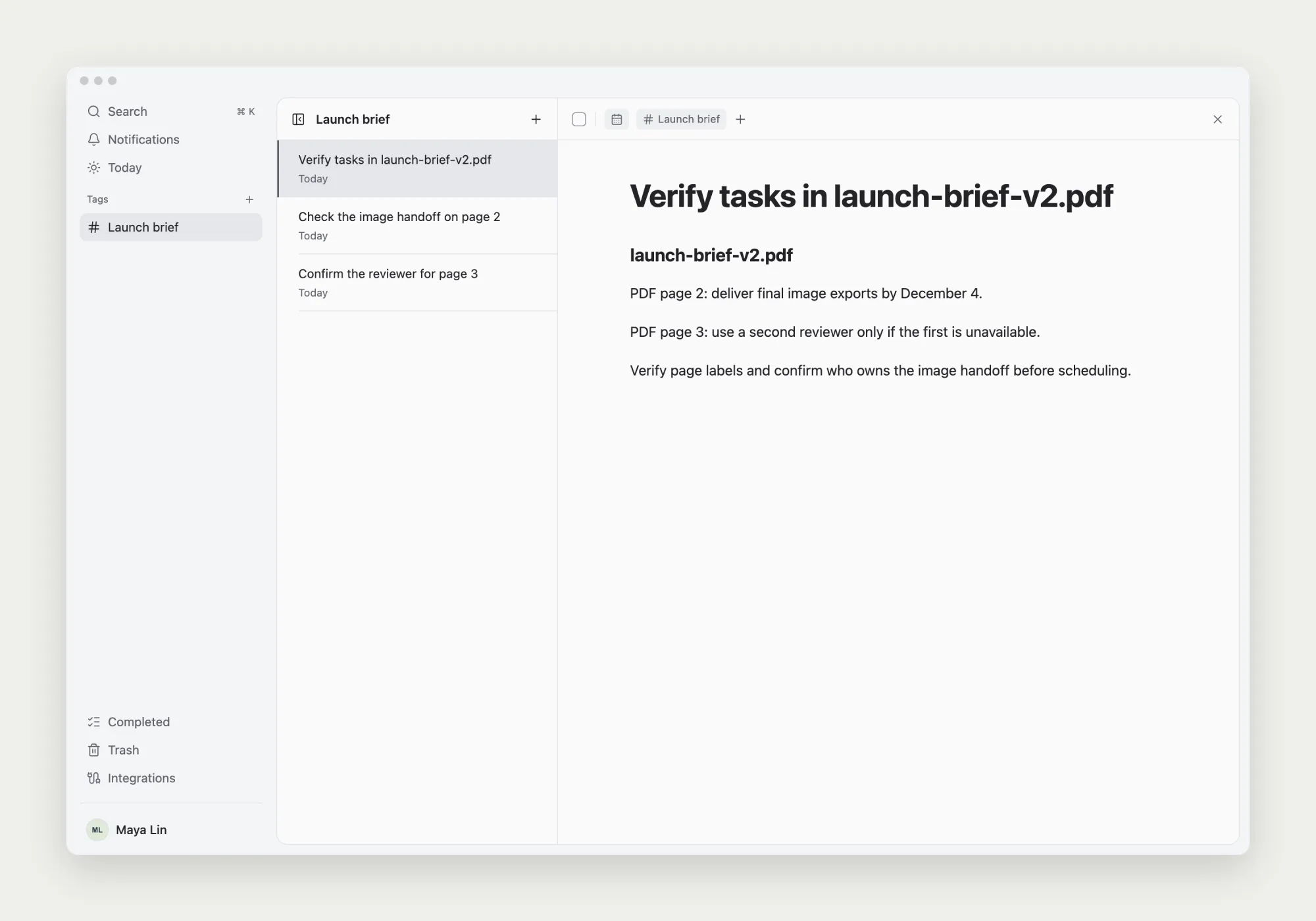
Page 2 says the team must deliver final image exports by December 4. That supports the deliverable and date. If the owner is absent, keep the owner open and create a separate question for the coordinator.
Page 3 calls for a second reviewer only if the first is unavailable. Add the condition to the row and keep it under review unless it becomes true. Double-check that the quoted text and page reference belong to the same version of the document.
| PDF page | What the source supports | Next step |
|---|---|---|
| 2 | Final image exports due December 4 | Verify the owner and schedule the delivery |
| 3 | Second reviewer only if needed | Confirm availability before assigning review |
Save the evidence with the confirmed tasks
Attach the brief to a TodoNote task and record the file version alongside the page references. Give each verified deliverable a dated subtask, and turn an unanswered question into a separate follow-up if someone needs to resolve it.
If a new revision arrives, compare the cited passages again. Update the affected tasks and keep the source version in the note so later readers can tell what the original plan used.
ChatGPT supported uploads and file limits
Copyable PDF task extraction prompt
Read this PDF and identify actions stated in the document.
For each action, list the deliverable, owner, deadline, PDF viewer page number and a short supporting excerpt.
Show any printed page label separately. Mark missing details as not stated.
Put suggestions and conditional actions in separate rows, with their conditions.
Flag pages that could not be read. Return a draft for me to verify before I schedule work.For checking whether a phrase is a task at all, see Extract action items without turning suggestions into commitments.