When asking AI to extract action items, require it to distinguish commitments, suggestions, conditional actions and background, and preserve source evidence for every candidate. Mark unclear owners, dates and conditions for confirmation before creating formal tasks.
“Maybe add export next round” and “I will send the report by Friday” both contain actions. Only the latter clearly commits someone. A fluent summary can erase that difference and create obligations nobody agreed to.
Extract evidence before deciding on commitment
Action-item detection research treats proposals, discussion and commitment as a conversational process. Read the surrounding context.
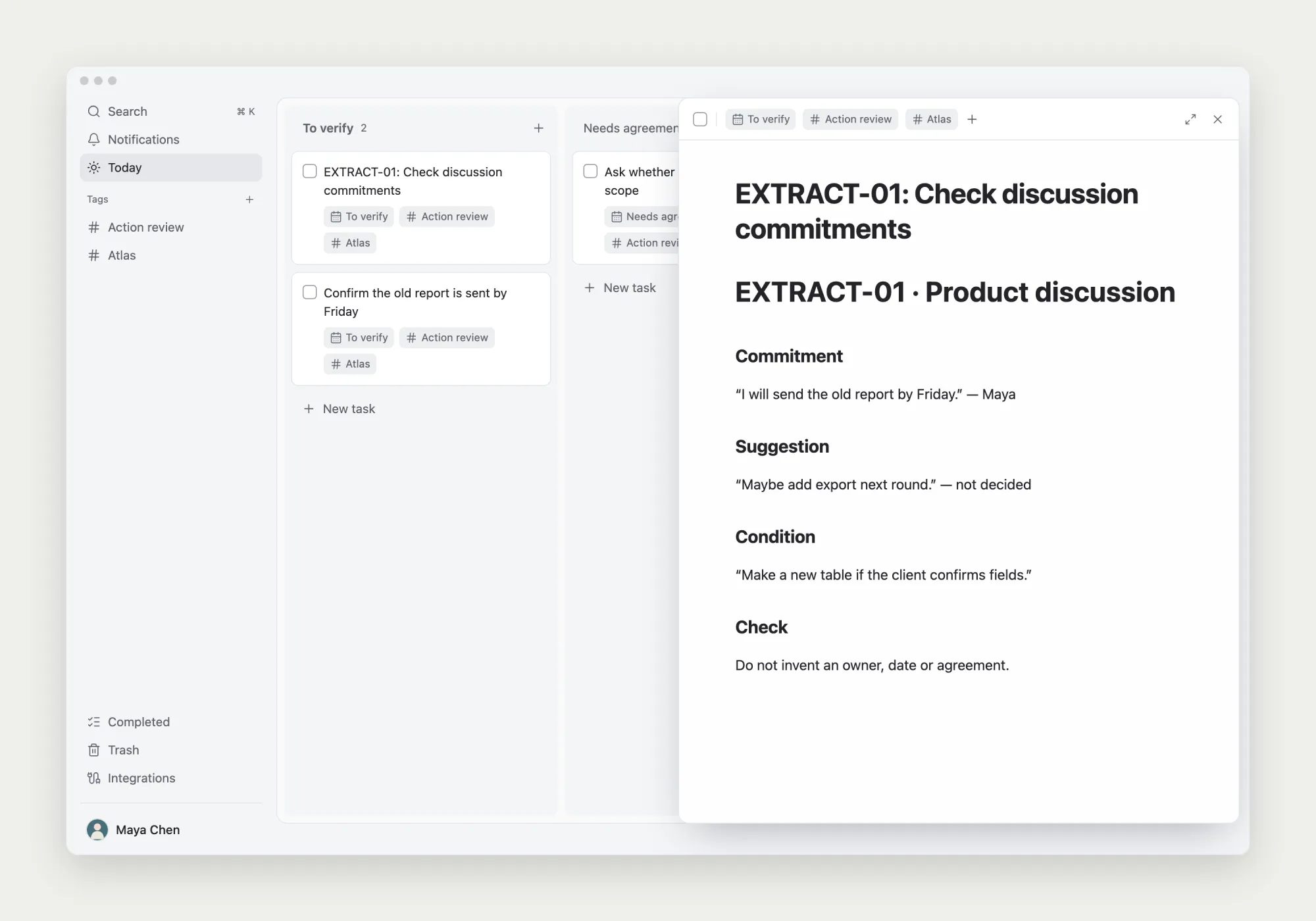
In EXTRACT-01, Maya promises the old report by Friday, someone suggests export next round, and a new table depends on client-confirmed fields. These are different states, not three new features promised for Friday.
| Source type | Candidate | Boundary |
|---|---|---|
| Explicit commitment | Send the old report by Friday | Retain speaker; resolve the calendar date |
| Suggestion | Consider export next round | No agreement; do not invent owner or deadline |
| Conditional action | Create a table after field confirmation | Prerequisite is not yet satisfied |
| Background | The old table lacks some fields | Context alone is not an action |
Preserve what is unknown
An owner needs explicit speaker attribution or later confirmation. If a transcript has no speaker labels, a nearby name is insufficient. Resolve “Friday” against the recording date and relevant time zone rather than guessing.
Later discussion may withdraw or replace an earlier commitment. Ask AI to inspect those revisions before presenting candidates for human review, rather than creating a task at the first action verb.
Use a reviewable extraction prompt
Extract candidate actions from the notes below.
1. Separate commitments, suggestions, conditions and background.
2. Retain a source excerpt and its location for each candidate.
3. Fill owners and times only when explicitly supported.
4. Mark unclear fields “Needs confirmation”.
5. Retain prerequisites, negation, withdrawal and later revisions.
6. Do not turn suggestions into agreed commitments.

Fields:
Action | Type | Source | Owner | Time
Prerequisite | Later revision | Open question

Return candidates for review; do not create or modify tasks.In TodoNote, create tasks from confirmed actions and retain source locations and conditions in their notes. Keep suggestions and open questions with the discussion. When using external AI or MCP, review the candidates before deciding the write scope.
Complete-looking is not the same as accurate
If every row contains an owner and deadline, check where those fields came from. Gaps expose unfinished decisions; filling them without evidence hides uncertainty.
Finally compare the candidates with the original record for omissions, false positives and duplicates. The goal is a dependable action list, not one that sounds more certain than the conversation.
Continue with: Meeting Minutes with Action Items: Template and Example