Find completed tasks with similar scope and recorded hours. Ask AI to compare deliverables, inputs, and review rounds, then give a range with assumptions. Keep time spent working separate from time waiting for replies.
Start with comparable work and actual effort
For each candidate, check the deliverable, template reuse, asset readiness, and who needs to review. Start and finish dates help estimate elapsed time. Effort takes its own record.
Have AI list each source, actual hours, and the relevant difference first. Mark missing hours explicitly. If you have few examples, treat the range as a planning assumption to check.
Example: estimate a new campaign landing page
Three past pages took 3, 4, and 6 hours. The 3-hour page reused a template and had all assets. The 4-hour page went through another review round. The 6-hour page needed new illustrations.
The new page can reuse the template but asset readiness is open. Plan 3–4 working hours with approval wait listed separately. If an illustration needs to be recreated, revisit the 6-hour scenario.
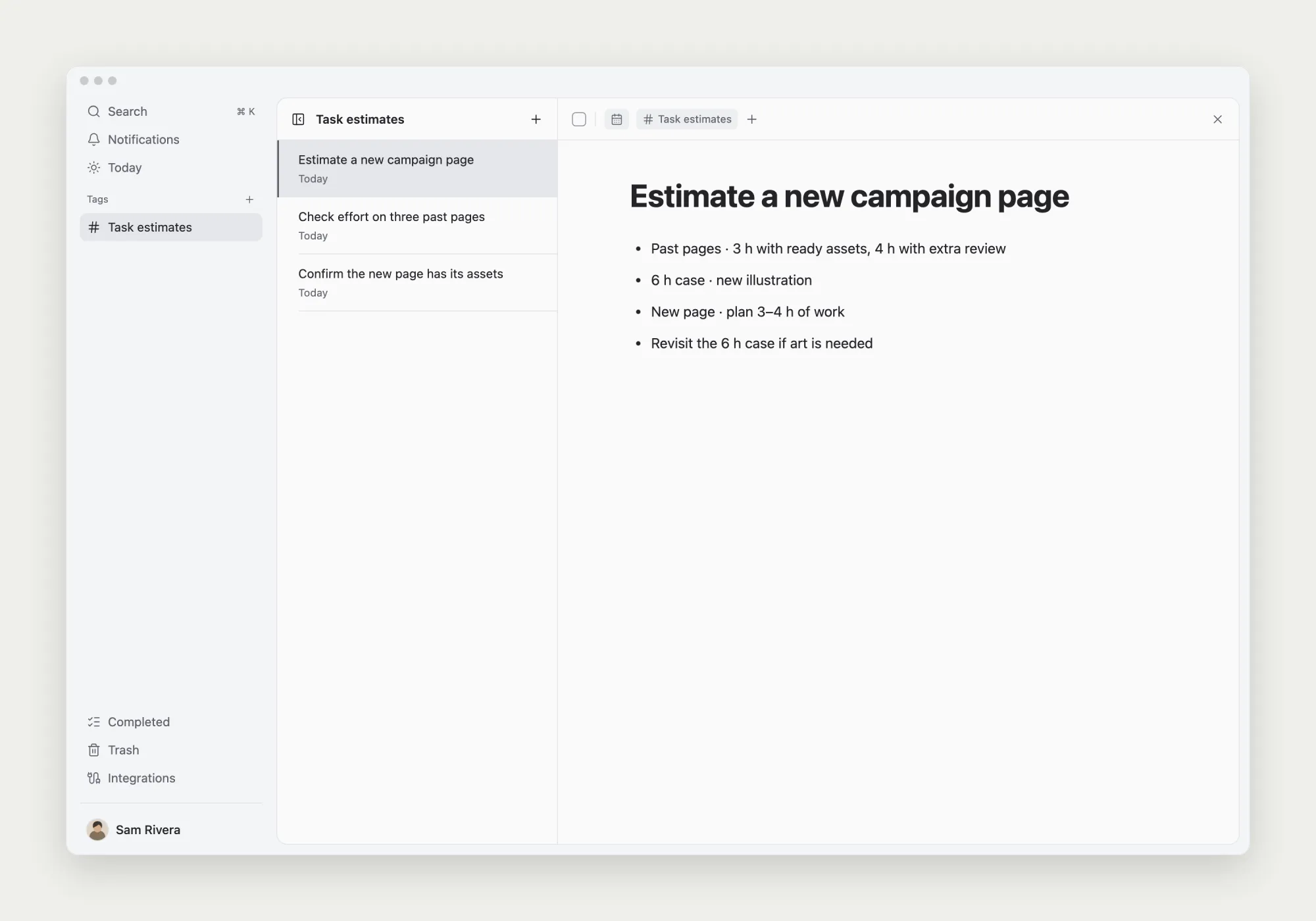
Tag finished tasks by deliverable in TodoNote and log actual effort, wait time, and exceptions in the notes. Through MCP, use search_tasks to find candidates by title and get_task_document_markdown to read the notes.
Check each source AI cites, then add the actual effort on this new task once it finishes. The next estimate can use what happened and show which assumption changed.
Copy the template
Find three comparable tasks with recorded effort and use their differences to build a range you can review.
Use the prompt with the source records. Review the cited cases first, then check the range. If it includes time waiting for a reply, ask for a separate estimate of active work.
New task, scope, and deliverable:
Known inputs, reusable work, and review rounds:
Past task source, active time, and wait time:
List similarities, differences, and missing records.
Provide an effort range, citations, and assumptions. List waiting separately.
What scope changes require a new estimate?
Actual effort and notes after completion:For a related workflow, see Why Do Your Tasks Keep Taking Longer Than You Expected?.