Keep review comments with their source and version, then group those describing the same problem. Turn vague requests into questions and conflicting requests into explicit decisions. Create editing tasks only after the required change is understood and agreed.
Twelve comments do not necessarily mean twelve changes. A designer may otherwise edit the same button three times while trying to both simplify the first screen and add a full feature list.
Put all comments beside the same version
FEEDBACK-01 concerns homepage v3: four comments about pricing, three about a button, two about visual quality, two opposing requests about first-screen density and one new feature. They become five processing items.
Retain the original comment IDs and authors. A reviewer should be able to trace their concern to its outcome rather than finding only an edited summary.
| Item | Current assessment | Next step |
|---|---|---|
| Pricing | Four comments describe one gap | Clarify included services and edit |
| Main button | Three consistent requests | Revise copy and check destination |
| Visual quality | “More polished” is unclear | Ask for location and expected change |
| First-screen content | Requests conflict | Ask the decision-maker to choose the goal |
| New feature | Outside the page revision | Discuss scope and timing separately |
Merge duplicates; preserve disagreement
“Pricing is unclear” and “What does the base price include?” may describe one problem. “Remove first-screen content” and “Add the entire list” cannot safely become “Improve the first screen.”
Should this screen help new visitors understand the product, or let existing users inspect every feature? Confirm the priority before changing its density.
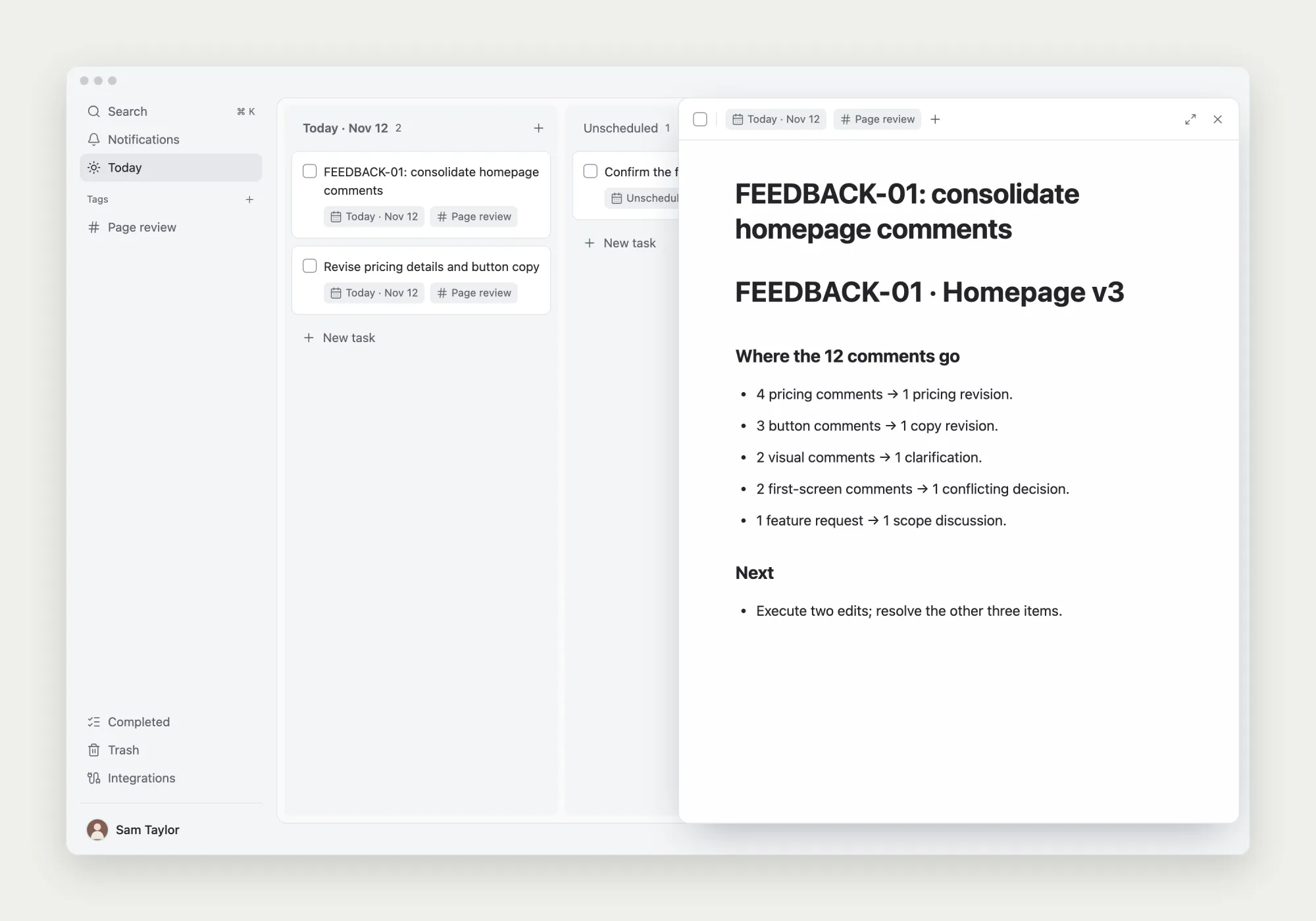
Give confirmed edits a checkable outcome
An edit needs a location, problem and check. “List what the base price includes, then verify that included and extra services are distinguishable” is actionable; “Improve pricing” leaves the question unresolved.
In TodoNote, keep comment IDs and outcomes in the review note. Make the two confirmed edits subtasks and track clarification, conflict and scope separately.
Close the loop with the original comments
When sending the revision, identify resolved comments, pending decisions and later discussions. Completing an edit does not itself establish reviewer acceptance.
If the review reveals additional scope, move that confirmed request into the change process. First understanding the feedback makes the later discussion of time and scope much clearer.
Related practice: How to keep a requirement change log that stays useful during delivery