Write release notes around what users can now do, where to find the change, and who can use it. Start from work included in this release and translate each internal task into an observable improvement.
Start with the changes that shipped
Jon reviews the finished work under a version tag. He checks the deployment list against the tasks because a completed implementation may still be behind a rollout flag. He opens each relevant note for the affected screen, test result, and help links.
For version 2.8 the change users notice is a date filter in invoice export. The exported columns stayed the same. That detail matters to people with spreadsheets that use the CSV.
Rewrite the task title in the language of the user
| Internal task | Release note |
|---|---|
| Add date filters to CSV export | Export invoices for the date range you select from Billing |
| Keep the filter after reload | The invoice list keeps its date selection when you refresh |
| Update the billing help page | See how to select dates and download invoice files |
Group items by what readers can do, what was fixed and any action they need to take. If a feature is available to only some accounts, say who can use it and when.
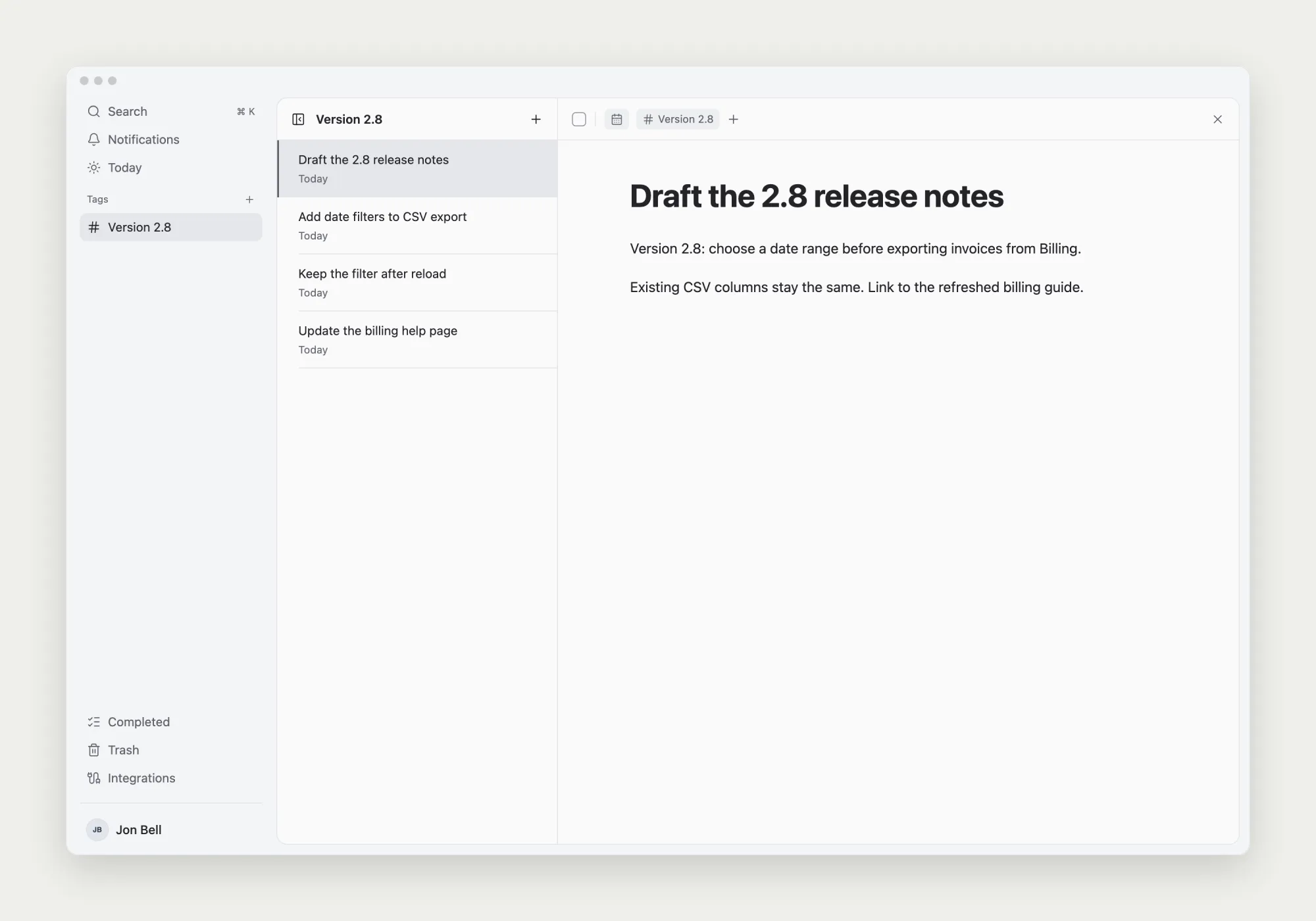
If the change needs a screenshot to locate the control, put the button or section name in the text too. That makes the note usable when an image is skipped or shrunk on a phone.
Copy a release notes template
Version and release date:
One-sentence summary:
~ New or improved:
What changed for users:
Where to find it:
Who has access:
~ Fixed:
What users will see now:
~ Action required or help link:In TodoNote, tag the relevant tasks with the version and create a draft under the same tag. Open the completed tasks beside the draft to check each claim.
Read it once as someone who missed the release
Can they find Billing, pick the dates, and understand what will appear in the file? Ask someone to follow the note without reading the engineering task. Publish when they can find the change and the timing matches the rollout.
Turn completed tasks into reusable knowledge · Use a product launch checklist