Draft a separate shareable version with the agreed decisions, necessary contacts, action items, and dates. Before sending, review the actual file and check comments, revision history, and link permissions from the recipient’s perspective.
Start with what the recipient needs
Mark the information the recipient needs to act on. Keep internal pricing, private contact details, staffing plans, and candid comments in the internal record. Use the agreed external point of contact where needed.
Check the file you are about to deliver. A link to the internal original may expose the full record if the recipient has access. Share a checked copy and test links individually.
Two versions of the same design review
The internal note includes an 8,000-unit test budget cap, an engineer’s personal number, and a concern about animation. The external notes only need the confirmed scope and delivery dates.
The external copy says the static image stays, the design coordinator sends a draft Friday, and the client responds by Monday. Add a shared project address if that is where feedback should go.
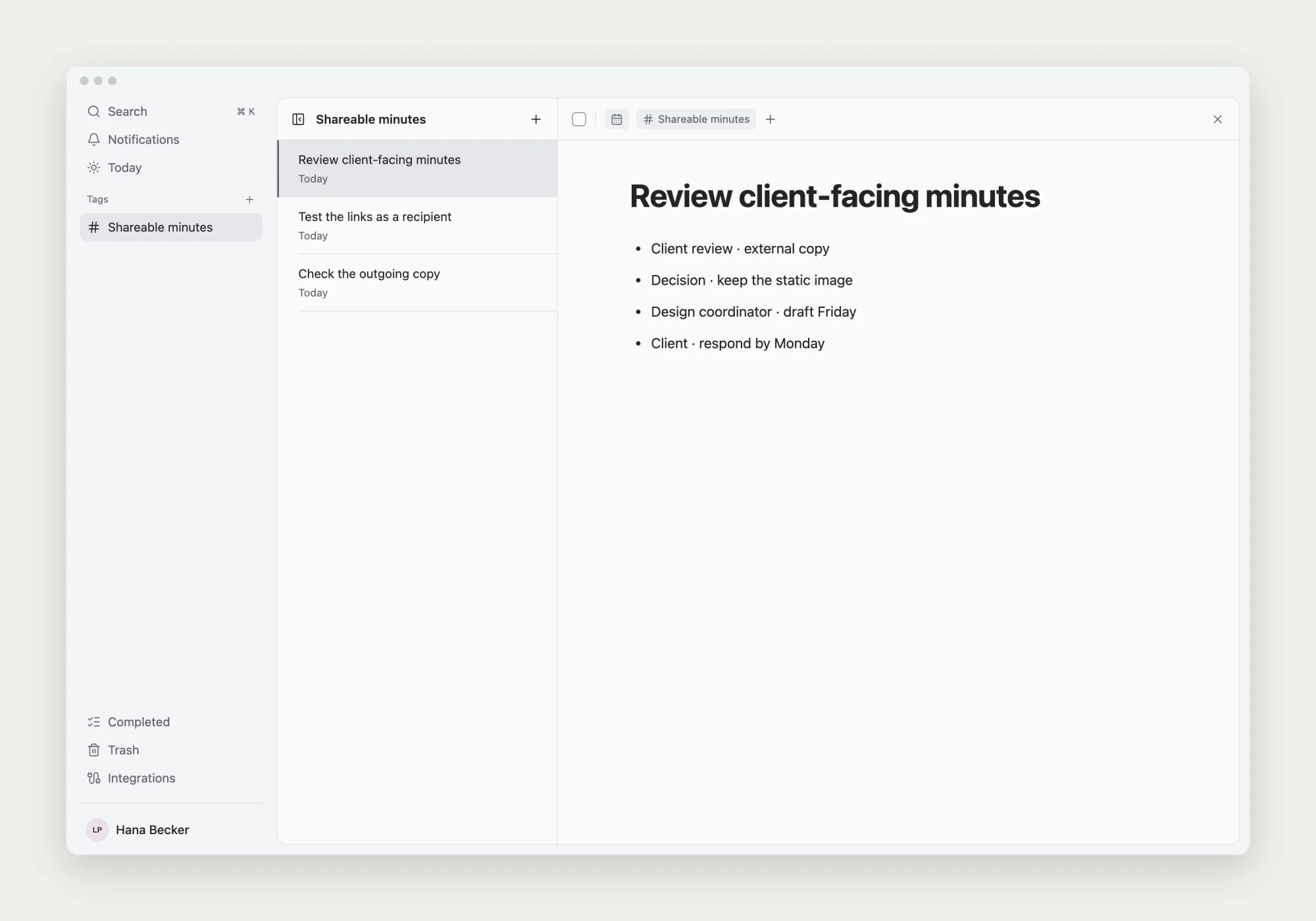
In TodoNote, retain the internal review and create a separate task for checking the outgoing text and attachments. Give the link-permission check its own subtask.
Before you send, have a colleague open the copy with the intended access. Review the title, body, comments, and link destinations. Record the send time and the copy’s location for future corrections.
Copy the template
Prepare a customer-facing copy that preserves decisions and action items, then check comments and links before sending.
Keep this checklist in the internal task. Send the reviewed copy on its own so the redaction notes do not travel with it.
Recipients and reason for sharing:
Confirmed decisions:
Action items, roles, and dates:
Material to remove from the internal version:
File, comments, and revision check:
Recipient permissions for links:
Reviewer and send date:For a related workflow, see Meeting Minutes with Action Items: Template and Example.