Use project notes for goals, constraints, and rules that multiple tasks need. Use task notes for the inputs, observations, and results of a particular piece of work. When both need the same rule, point the task note to the project note and identify the version you used.
Ask what someone will do with the information later. A criterion guides another check. A screenshot of a failed test helps someone reproduce and fix what happened.
Keep one version of the acceptance criteria
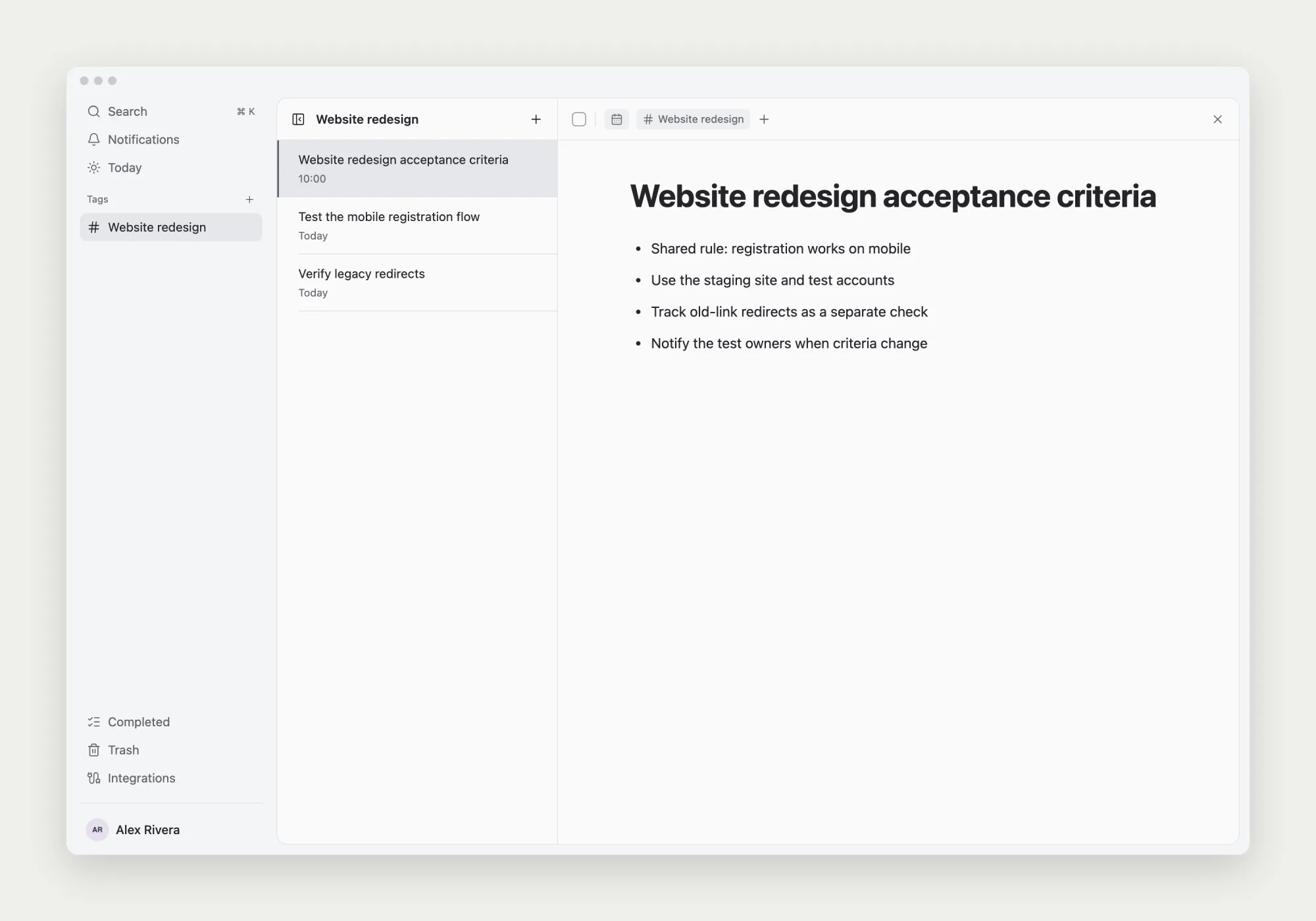
A website redesign has separate checks for registration, confirmation emails, and redirects. The staging URL, test accounts, and required devices belong in a common acceptance note.
When the device list changes, update that note once and tell the people running affected checks. Leave earlier results attached to the version they used.
Keep the observation with the test
During mobile testing, the keyboard covers a validation message. Record the browser, steps, and screenshot under that test. If the finding leads to a new site-wide requirement, add the approved rule to the project note too.
| Information | Location | Use |
|---|---|---|
| Shared acceptance criteria | Project note | Guide multiple checks |
| Steps to reproduce a mobile issue | Task note | Support a fix and retest |
| Exception for legacy redirects | Scope in project note, details in task note | Show where to follow up |
A note such as “Tested against acceptance criteria v2” gives future readers the context to interpret an old screenshot after the requirements change.
Give shared information a stable home
In TodoNote, you can keep the common criteria in a parent task's note and create separate tasks for mobile, email, and redirects. Apply the same project tag to bring all the records together.
Write the policy in the shared note and the facts of the run in the task note. Include the decision date when the shared rule changes.
Move a lesson up when it applies broadly
If a fix applies to several tasks and the team has agreed to use it, write the rule in the shared note with its effective scope. Leave the original evidence with the task where it was found.
Related reading · How to write task notes you can pick up tomorrow