Maintain a personal knowledge base by checking notes you actively use, rely on for decisions, or have reason to doubt. Review their sources, operating conditions, and recent results before choosing to keep, verify, rewrite, or archive them.
You do not need to reread the whole collection first. Begin with a guide that stopped working, a record affected by a changed rule, or material needed for your next task. Give the review an immediate purpose.
Prioritize a concrete signal
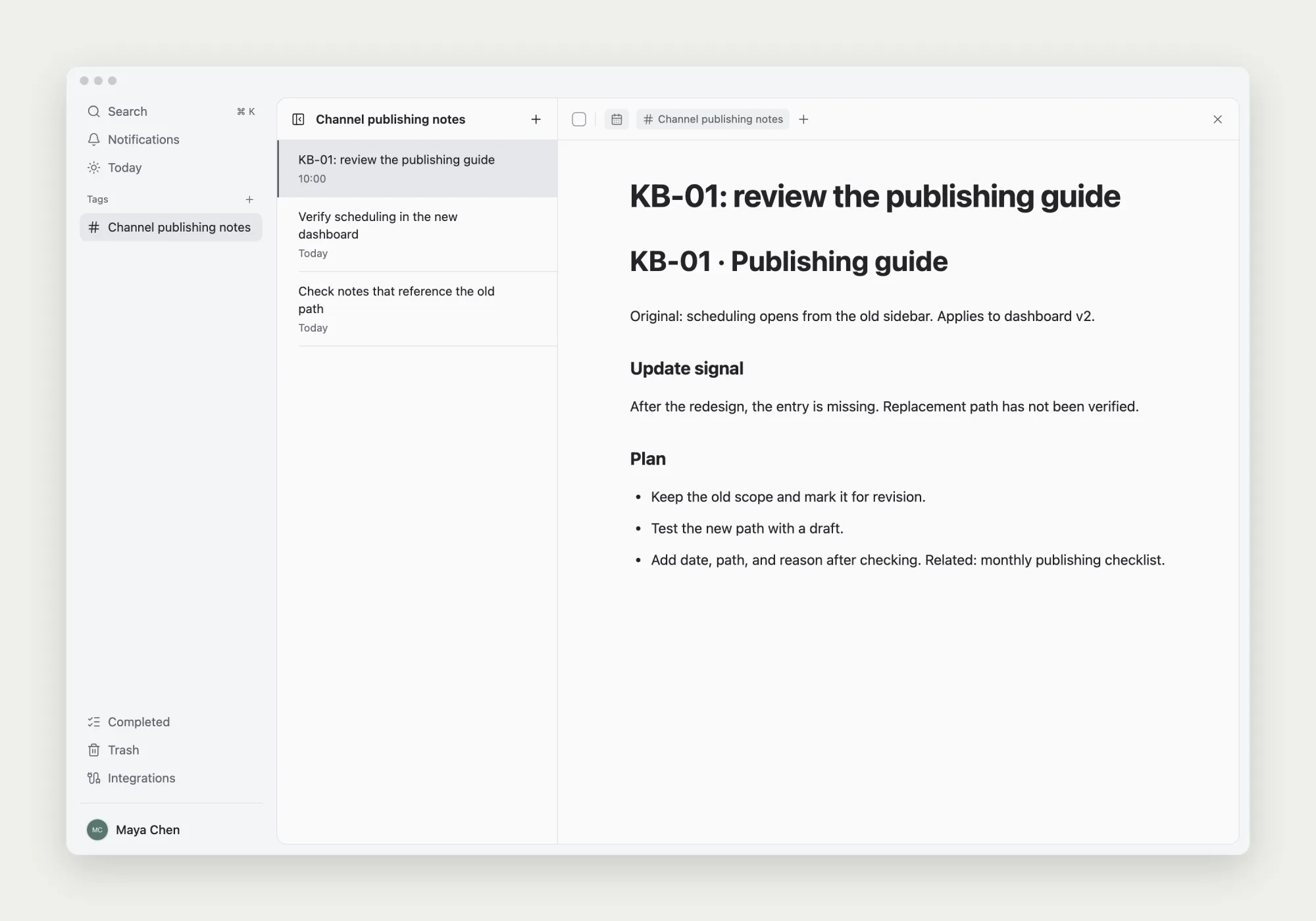
KB-01 describes a scheduling option in an old publishing dashboard. After a redesign, that sidebar entry has disappeared. This failure during use gives the review a clearer reason than the age of the note alone.
An old note may still be correct. A new note may lack evidence. The writing date, source date, and last verification date answer different questions; none should silently substitute for checking the claim.
Recover the original conditions
Retain the condition “dashboard v2”. The path may be obsolete while preparation and preview checks still apply. Review the affected steps rather than assuming every part needs rewriting.
If the new path has not been tested, flag the instruction and create a verification task. Replacing an old step with an untested guess makes the note look more current without making it more reliable.
Choose an appropriate response
Keep a valid note and add a verification date. Supply evidence where it is missing. Rewrite steps whose operation changed. Archive material without a current use, preserving the context in which it was useful.
In TodoNote, retrieve related notes through their tags and create tasks for the checks. After testing the new entry with a draft, record the path, conditions, and revision reason. Then check lists that still refer to the old instruction.
Leave a trigger for the next review
An important note can specify a review trigger: an interface change, failed execution, revised source rule, or use in a new project. That is more purposeful than putting every note on the same arbitrary review schedule.
Note / original date:
Original claim / conditions:
Source / last verified:

Change or failure signal:
What still applies:
What needs checking:
Evidence / practical test:

Keep / verify / rewrite / archive:
Change and reason:
Related notes / follow-up tasks:
Trigger for another review:Keep both what changed and why. For reorganizing the collection itself, see organizing notes with tags. Checking the content and maintaining its classification can happen as separate pieces of work.