Give the AI the new brief and a few named project notes. Ask it to report what is already confirmed, which old decisions need rechecking, and what the client still needs to answer. Ask for the source title and supporting line for each factual claim.
Start with the notes that could change the answer
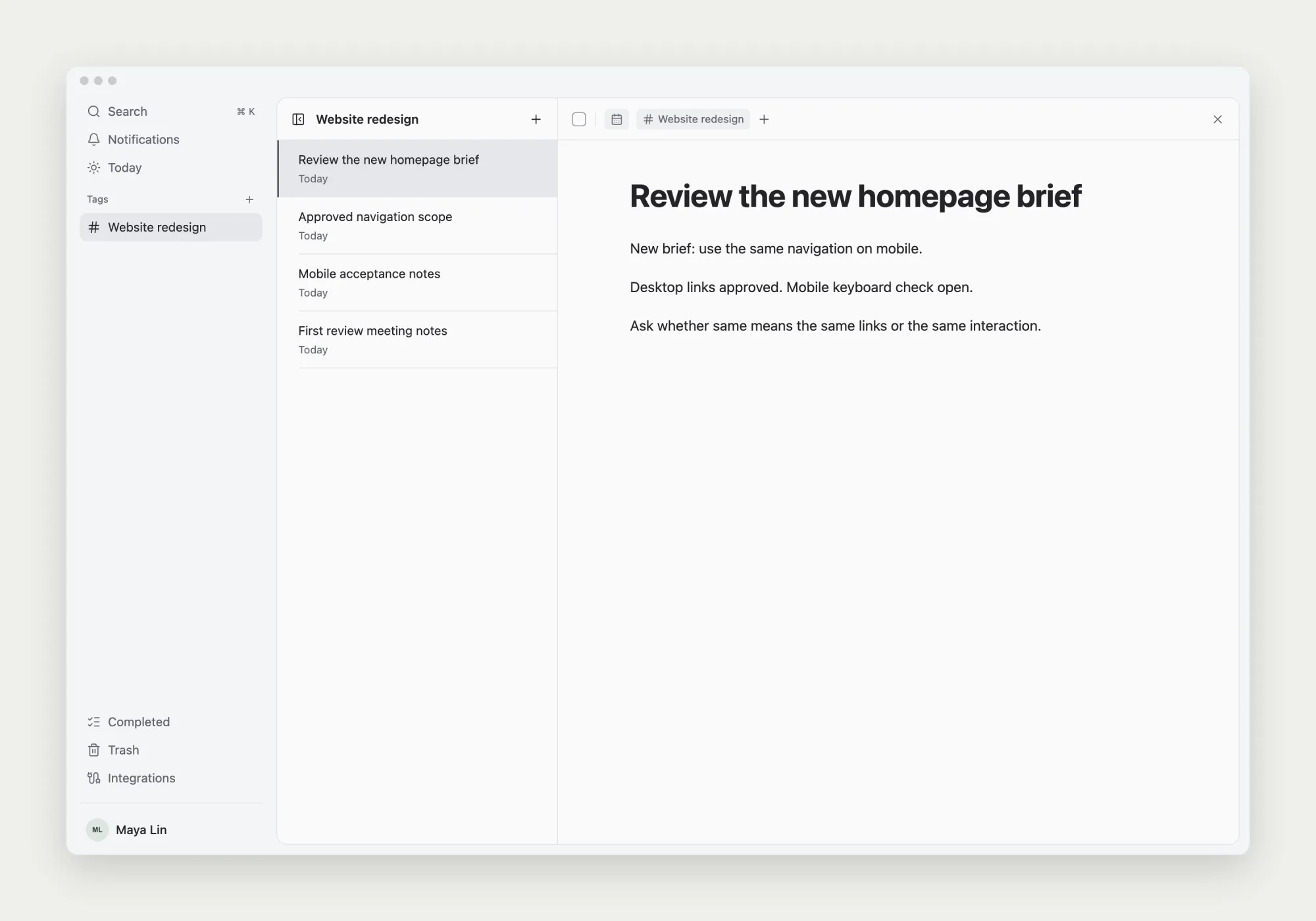
Maya receives a brief asking for “the same navigation on mobile”. An earlier note approves the desktop menu. A mobile acceptance note says the narrow-screen menu still needs a keyboard check. The phrase in the new brief could refer to the same links or the same interaction.
Give the AI both source notes and their dates. With TodoNote MCP, ask your connected client to search for the titles and then open those task notes. The task search matches titles, so use distinctive terms such as “navigation scope” and “mobile acceptance”.
Compare the new brief to what the records support
| Output | What the AI can report | Evidence to keep |
|---|---|---|
| Confirmed | The desktop menu links were approved | Approved navigation scope |
| Recheck | The mobile keyboard check remains open | Mobile acceptance notes |
| Ask the client | Should mobile use the same links or also the same behavior? | New brief wording |
A record of the first review may add context about who attended. Use it to confirm an approval only if it actually records one for the same scope.
Copy the AI requirements review prompt
Review the new brief against the named project notes.
New brief: [paste text]
Open these notes first: [titles or links]
~ Return three groups:
1. Confirmed requirements. Cite the source title and supporting line.
2. Prior decisions to recheck. Explain what changed or is unclear.
3. Questions for the client. Ask one precise question per gap.
~ If you cannot find the note or evidence, say what is missing.
Keep the result in this conversation and leave the source notes as they are.Read the corresponding line in each source. If two notes disagree, ask the AI to surface both dates and quotes so you can check which decision is current.
Record the questions you will send
Keep the current brief and open questions in a review task. Once the client replies, record the confirmed wording and the message link. Use that note as the starting point for the next review.
You can also paste the relevant excerpts manually with their titles. The same prompt works when a connector is unavailable.
Get AI answers with sources from your notes · Write a client requirements checklist